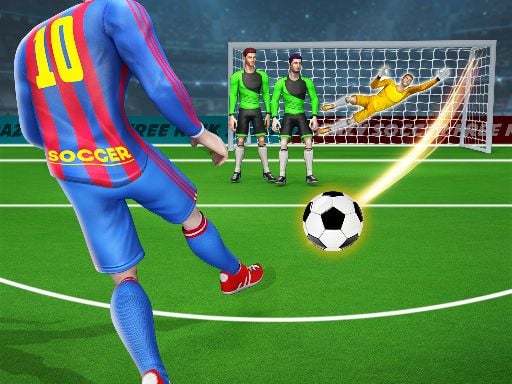
Ben 10 Goalkeeper
Instructions:
Tap to playDescription
Ben 10 Goalkeeper FAQ and Tips
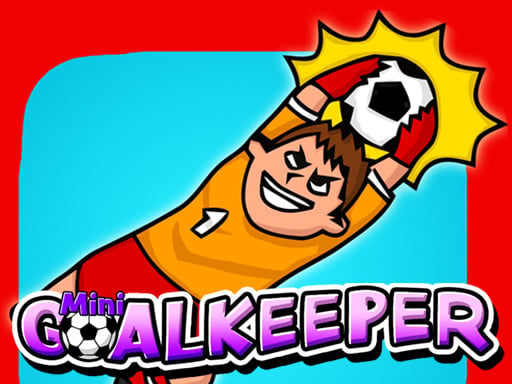
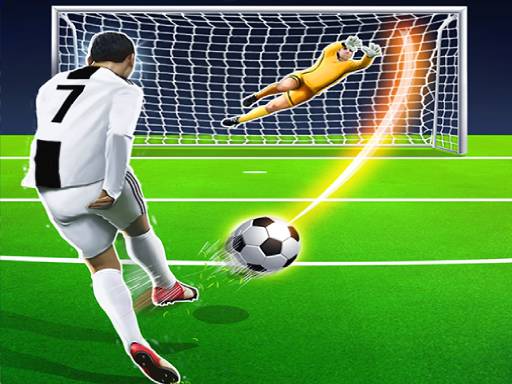
Swapping the Omnitrix for a pair of goalkeeper gloves sounds like a weird career move, but here we are. This one takes the usual penalty-shootout formula and slaps Ben 10 in the net, tasking him with punching, kicking, and flat-out flinging himself at anything that comes flying toward the goal. It's simple stuff on paper, tap to react, but the timing window gets meaner the longer you last, and that's really where the fun kicks in. No aliens to transform into this time around, just quick reflexes and a decent read on where the ball's headed.
Winning Strategies
Honestly, the biggest mistake people make is watching the ball itself instead of the kicker's approach and body angle, because by the time the ball actually leaves the foot, you're already a beat behind. Try to guess the direction a split second early and commit, since half-hearted dives tend to leave you stranded in the middle doing nothing useful. Shots that come in low and hard are usually the ones that punish hesitation the most, so keep your tapping decisive rather than panicky. There's also a rhythm to how the shots get tougher as your save count climbs, so don't get comfortable just because the first few attempts felt easy. Staying loose and reacting on instinct beats overthinking every single throw, and honestly, a bit of pattern-recognition over a few rounds goes a long way toward reading where the next ball's going to land.
Controller & Keyboard Guide
- Tap the screen or click with your mouse to make Ben dive, punch, or kick the ball away.
- Time your tap right as the ball nears the goal line, not the instant it's kicked.
- Watch the shooter's stance for clues on which side the ball is likely heading.
- Keep taps sharp and quick rather than dragging or holding for a reaction.
- Stay centered between saves so you're not caught leaning the wrong way.
- Play a few rounds first just to get a feel for the ball speed before chasing a high score.