Freekick Football
Instructions:
mouse slide and clicksDescription
Freekick Football Mobile & PC Control Guide
Controller & Keyboard Guide
- Slide your mouse left or right to line up the ball and pick your shot angle before you commit.
- Click and drag back to set your shooting power, then release to strike the ball.
- Adjust the curve of your shot mid-drag by shifting the mouse slightly during the wind-up.
- Switch stances when playing the GK Save mode, since you'll be reading the shooter instead of taking one.
- Tap quickly during Arcade target shooting rounds, where precision matters more than raw power.
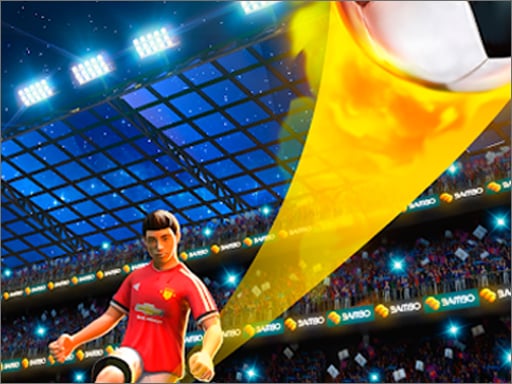
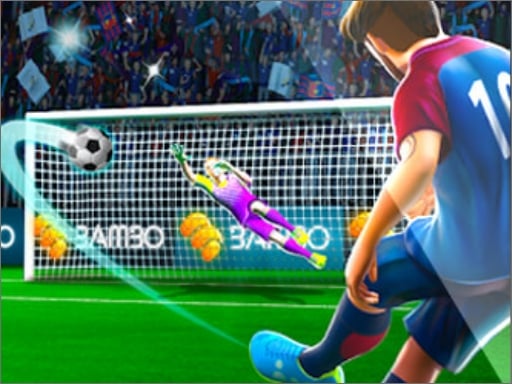
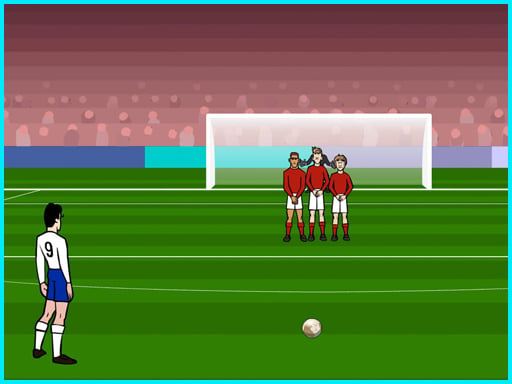
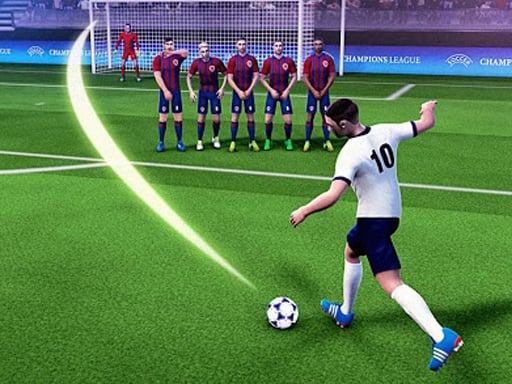
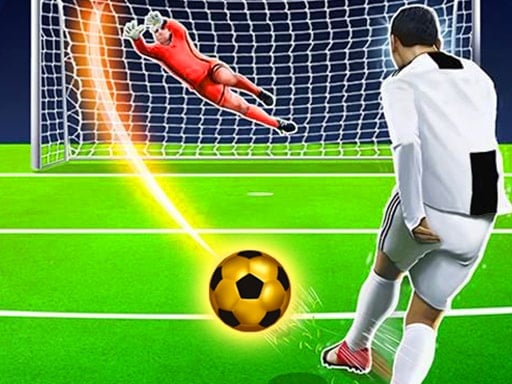
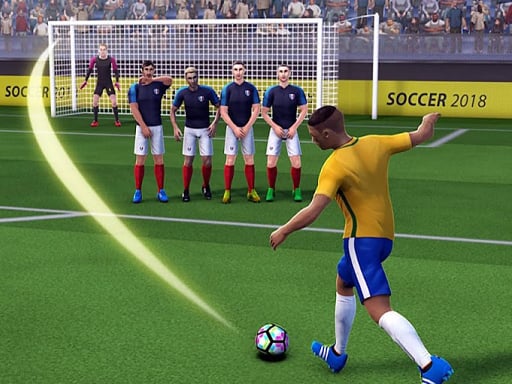
There's something oddly satisfying about a free kick game that doesn't overcomplicate things. You pick a real national team, work through the tournament bracket, and every match hinges on that one moment where you're staring down a wall of defenders with nothing but a mouse and your nerve. The Free Kick mode is the heart of it, but the game doesn't stop there — GK Save flips the script and puts you between the posts trying to guess where the shot's headed, while the Combined mode mixes both roles into one match. Arcade target shooting is the odd one out, stripping away the pressure of a tournament and just asking you to hit specific spots on goal. It's a nice change of pace when the group stage grind gets a little repetitive. The controls stay simple throughout, which honestly works in its favor — no fiddly key combos, just click, drag, aim, and hope the goalkeeper guesses wrong.
Pro-Level Advice
- Aim for the corners rather than the center, since keepers dive there far less often on lower difficulty.
- Don't max out power every time — a controlled mid-strength shot with good curve beats a wild blast into the crowd.
- Study the wall's positioning before dragging your shot, because gaps open up more than you'd expect.
- In GK Save mode, watch the shooter's run-up angle instead of the ball itself for an early read.
- Practice in Arcade mode first if the tournament pressure keeps throwing off your aim.