Fire Penalty
Instructions:
Use your mouse to play the game or tap on the screenDescription
Play Fire Penalty With No Download
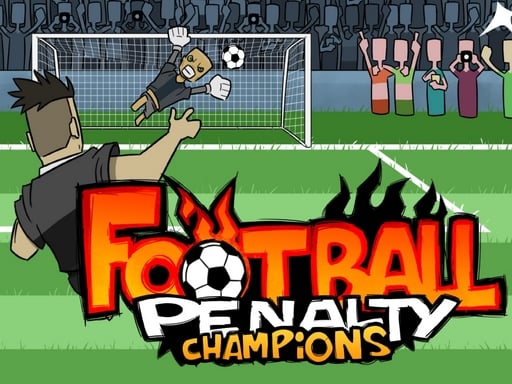
No app store, no waiting bar, no giant install file eating your storage. Fire Penalty just loads up in the browser and drops you straight into a shootout, which is honestly how a quick soccer game should work. You're the shooter, the goalkeeper is the only thing standing between you and bragging rights, and the whole thing runs smooth enough on a phone or a laptop that you won't even think about the tech behind it.
Highlights
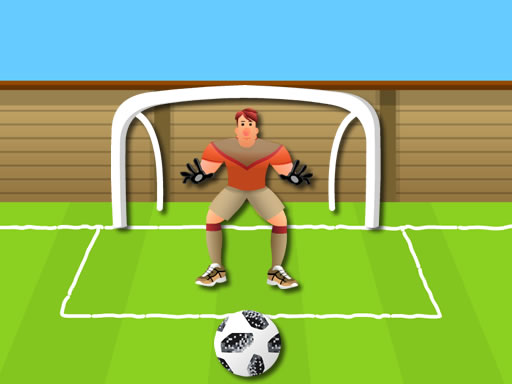
The setup is simple on paper but gets surprisingly tense once you're a few shots deep. You get three balls before it's game over, so every miss actually stings a little, and that scarcity is what keeps you leaning forward instead of tapping through mindlessly. The keeper reacts to where you aim, not randomly, so there's a real back-and-forth happening even against an AI. Because it's built in HTML5, it doesn't demand much from your device, which makes it a solid pick for a quick break between classes, meetings, or whatever else you're supposed to be doing. The cartoonish, kid-friendly art style keeps things light, but don't let that fool you into thinking it's a total pushover once the goalkeeper starts guessing your patterns.
Pro-Level Advice
- Watch the goalkeeper's starting stance for a beat before committing to a corner.
- Mix up your shot placement instead of hammering the same side every time, since predictability gets punished fast.
- Aim for the far corners near the posts rather than the center, where keepers dive less often.
- Stay calm after a miss; panicking usually leads to a rushed second attempt and a wasted ball.
- On mobile, tap with a light, deliberate finger movement rather than a hard jab for better accuracy.
- Treat your three balls like a mini strategy puzzle, saving your most confident angle for the final shot.