Supreme Football Kicking
Instructions:
Use mouse to shootDescription
Supreme Football Kicking Review
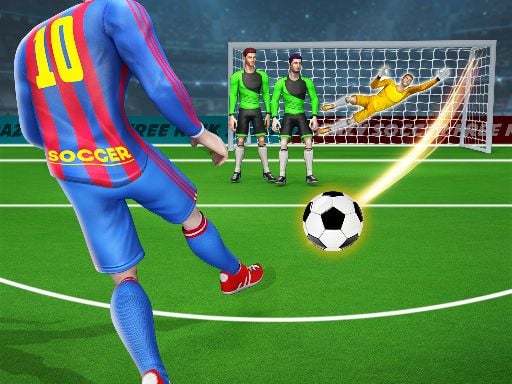
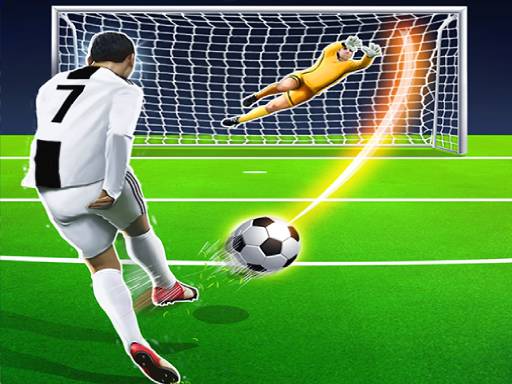
Free kicks are the one moment in football where a single player gets to decide everything, and this little WebGL title built on Unity3D leans hard into that fantasy. Forget passing, forget dribbling, forget the whole eleven-versus-eleven grind. Here it's just you, the ball, and a wall of defenders plus a goalkeeper who thinks he's got a chance. He usually doesn't. You drag the ball back with your mouse to load up power and angle, release, and watch whether your placement was actually as good as you thought it was. There's a decent stretch of stages to work through, each one nudging the difficulty up a notch, so it never feels like you're taking the exact same shot on repeat.
Controller & Keyboard Guide
- Click and hold on the ball to start building your shot.
- Drag backward to set shot power; the farther you pull, the harder the strike.
- Adjust the drag angle sideways to curve your aim toward either post.
- Release the mouse button to fire the kick.
- No keyboard needed at all, it's a pure mouse-only setup, which keeps things quick to pick up.
Winning Strategies
- Don't max out power on every attempt; a rushed, over-hit shot flies wide more often than a controlled one.
- Watch the wall before you drag, since gaps between defenders usually hint at where the goalkeeper is weakest.
- Aim for the corners rather than straight down the middle, low shots along the post are brutally hard for keepers to reach.
- Take a beat before committing to your drag, precision matters more here than speed.
- Treat early stages as practice for reading the drag mechanic, since later levels punish sloppy aim fast.
- If a shot fails, notice why, too much curve, too little power, and adjust the next attempt instead of repeating the same motion.