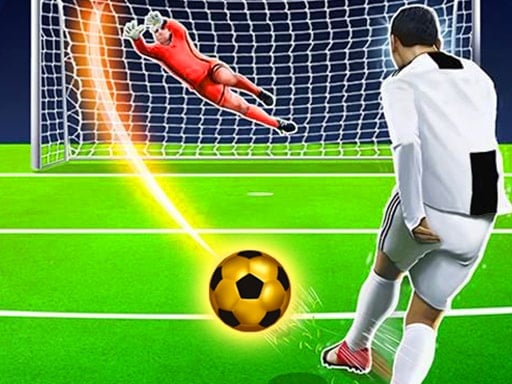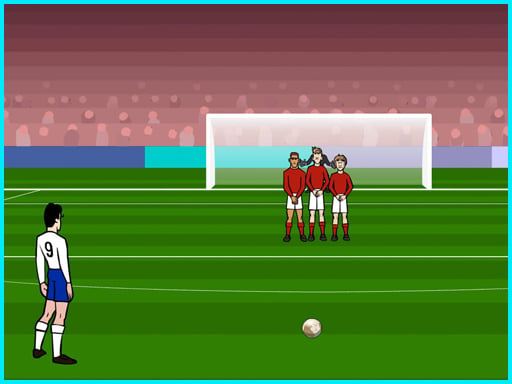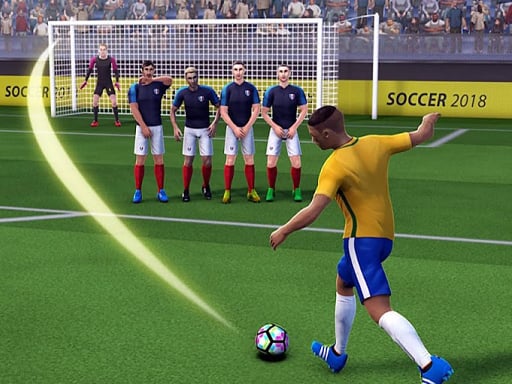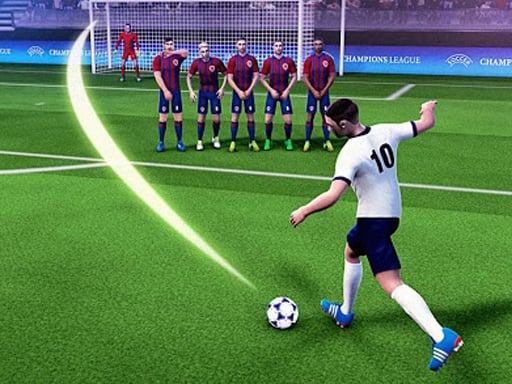
Sphere Football Kick
Instructions:
Use Mouse Or keyboard To PlayDescription
Sphere Football Kick Browser Game Analysis
Standout Features
- Pinball-style physics slapped onto a soccer pitch, which sounds weird until you're actually flinging the ball around.
- A striker mechanic that launches the ball across the screen instead of the usual click-and-shoot free kick setup.
- Points racked up for keeping the ball alive and bouncing before it finally lands in the net.
- Quick rounds that don't demand much setup, so you can jump in between other tabs.
- A goal post target that rewards timing over brute force, more finesse than power.
What throws you off at first is how little this resembles a normal free kick game. There's no run-up animation, no meter to fill, none of that. Instead you're bouncing a ball off angles like it's trapped in a pinball machine, and the goal is just one more obstacle to aim for among all the ricochets. It takes a couple of tries to stop thinking in soccer terms and start thinking in physics terms, because the ball doesn't care about your intentions, it cares about angles and momentum. Once that shift happens, though, chaining a few good bounces into a clean shot on goal feels weirdly satisfying, almost like solving a tiny puzzle rather than scoring a goal in the traditional sense. It's a strange little mashup, but it works better than it has any right to.
Controller & Keyboard Guide
- Use the mouse to aim and trigger the striker, since most of the action responds directly to cursor movement.
- Keyboard input works too, for players who'd rather tap keys than track pixel-perfect mouse positions.
- Small adjustments matter more than big sweeping motions, the ball reacts fast to slight nudges.
- Watch the angle before committing, because once the ball's moving there's no yanking it back.
- Switch between mouse and keyboard mid-session if one starts feeling clunky, nothing locks you into either one.